

I think you can often tell whether someone built (coded) something just externally for others, or whether they actually use their own product.
I use my own extension almost every day, so I keep thinking about it a lot. And just like I was annoyed by all the clicking in UI Builder (which is why I created the extension that puts everything in one place), I ironically started to get annoyed by the extension itself — because I always had to click it to see the data. There’s probably a name for that situation — you have nothing, you make something, and suddenly it’s not enough.
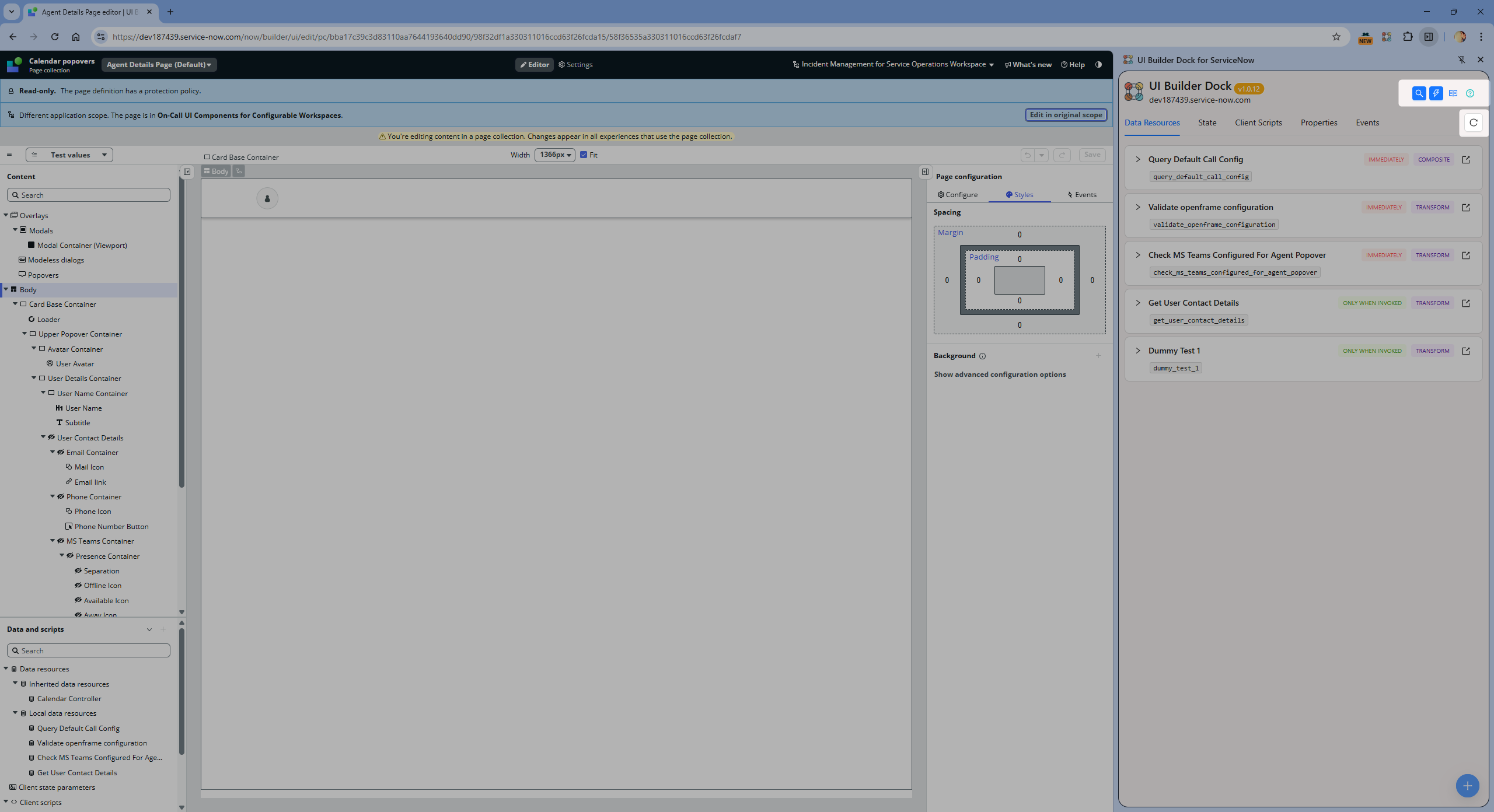
Luckily, there’s Chrome and its side panel 🙂 That’s exactly where I’ve now placed the extension. You can pin it permanently and keep your data visible at all times — no more clicking the little icon in the top-right corner.
What’s new:
- Clicking the popup icon still opens the extension as before, but you’ll now also see a note suggesting you can open it from the Side Panel.
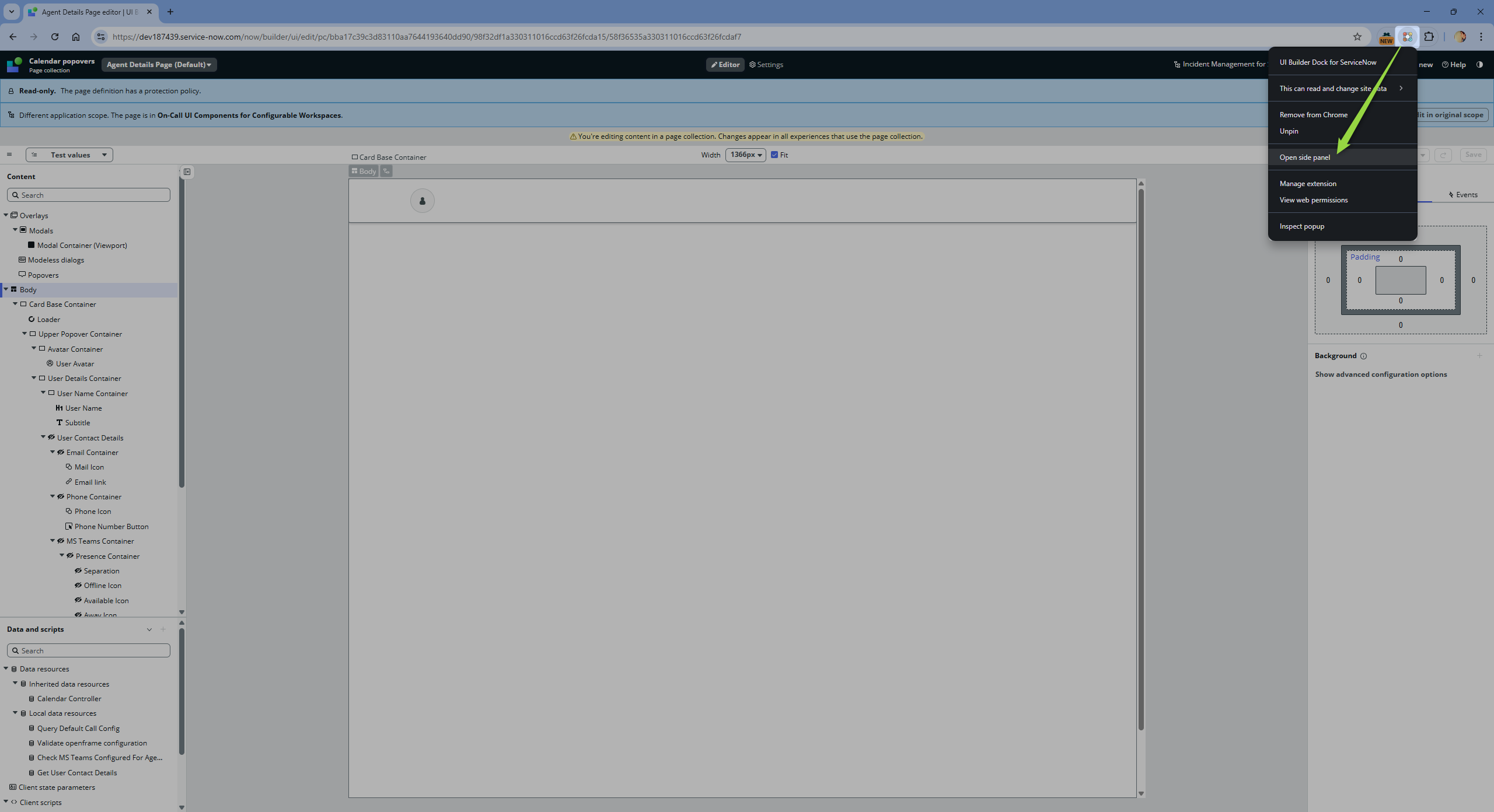
- Right-clicking the extension icon now shows a context menu where you can open the Side Panel as well.
- I intentionally made it so data don’t auto-refresh when switching between tabs (from one UIB to another). For now, I’m leaving that choice to the user — there’s a new Reload button for that.
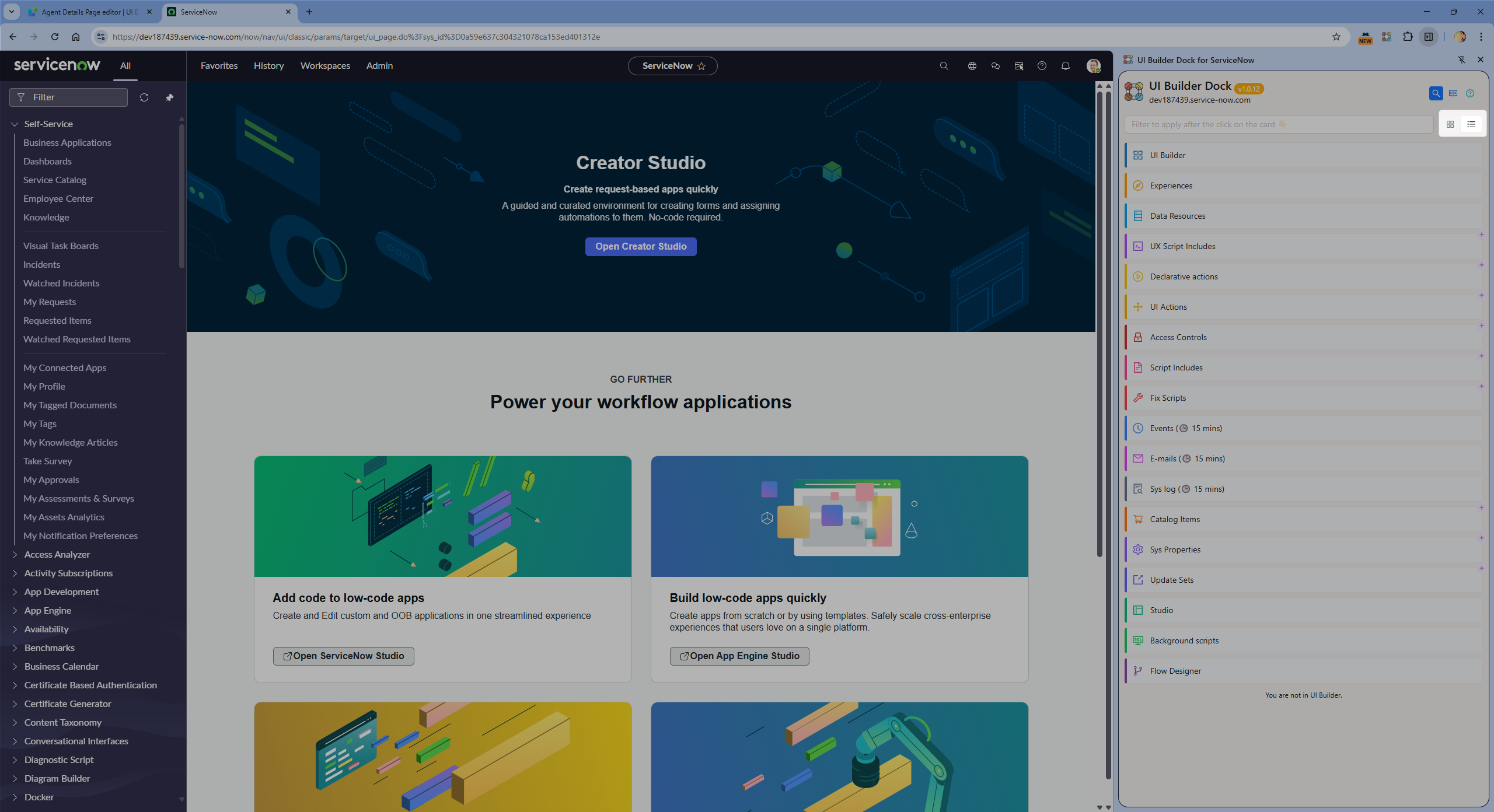
- The Quicklinks section now supports switching between grid view and list view.
- I’ve unified the top-right icons (Search, Quicklinks, Blog, About).
For now, I’ll keep the popup alongside the side panel, but I’m starting to think the side panel is actually the right place where this extension belongs.

Enjoy.
Jan 😎
 My UI Builder Corner ☕
Leave a comment